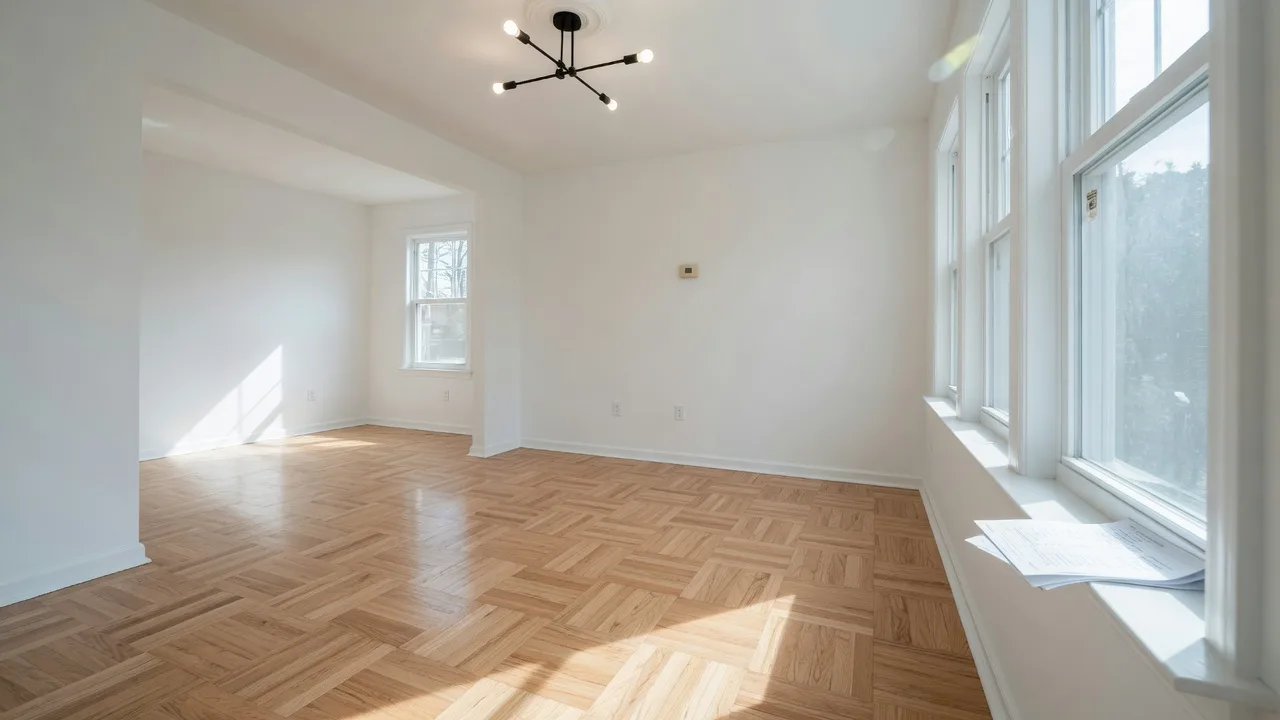
The final walkthrough is your last opportunity to confirm that the home you are buying is in the condition you agreed to. It is not a second home inspection. It is a verification walkthrough to make sure everything is as it should be before you sign the final paperwork and hand over the funds.
I always tell my buyers: the final walkthrough is not optional. It is your chance to catch problems that might have been missed, verify that agreed-upon repairs were completed, and make sure the seller left the property in the condition specified in the contract.
Over 728 closings, I have seen walkthroughs uncover everything from a missing appliance to a leaky faucet that was not there during the inspection. The walkthrough is your safety net, and this guide tells you exactly what to look for.
When Should the Final Walkthrough Happen?
The final walkthrough should occur within 24 hours of closing, ideally on the same day or the day before. This timing ensures that the property is in the same condition it will be in when you take ownership. If you do the walkthrough too early, the seller could still make changes or damage could occur before closing.
Schedule the walkthrough with your real estate agent. Most agents will attend the walkthrough with you to help identify issues and document any problems. Allow at least 30 to 60 minutes for a thorough walkthrough of a typical home.
What to Bring to the Final Walkthrough
- Your inspection report: To verify that all agreed-upon repairs were completed
- Your contract: To check what items are included in the sale (appliances, light fixtures, window treatments)
- Your phone or camera: To take photos of any issues you find
- A notepad and pen: To document problems and questions
- A flashlight: To check dark corners, basements, and crawl spaces
- Outlet tester: Optional, but useful for checking that all outlets work
Final Walkthrough Checklist: What to Check
1. Verify Repairs Were Completed
Start by checking every item on your inspection report that the seller agreed to repair. If the seller agreed to fix a leaky faucet, turn on the faucet. If they agreed to repair a cracked window, check that the glass has been replaced. If the seller offered a credit instead of making repairs, confirm that the credit is reflected in the closing documents.
If repairs were not completed, do not close until the issue is resolved. Your agent can negotiate a solution, which may include delaying closing, requiring the seller to complete the work, or providing a credit at closing.
2. Check All Systems and Appliances
- Turn on the heating and cooling systems to verify they work
- Run water in every sink, tub, and shower to check for leaks and water pressure
- Flush every toilet and check for proper operation
- Turn on the garbage disposal and dishwasher
- Check that the stove, oven, microwave, and refrigerator are working
- Open and close all windows and doors
- Test light switches in every room
- Check that garage door openers work and match the number of remotes specified in the contract
3. Look for New Damage
Since the home inspection, the seller may have moved furniture out, and the home may have been vacant. Check for new damage that may have occurred during the moving process:
- Scratches or dents on walls, floors, and doorways from moving furniture
- New stains on carpets or flooring
- Cracked tiles or broken fixtures
- Damage to countertops or cabinets
- Broken window panes or screens
4. Verify Included Items Are Still There
Your contract specifies which items are included in the sale and which are excluded. Common items that sometimes get accidentally taken by sellers include:
- Refrigerator, stove, dishwasher, microwave, washer, and dryer
- Window treatments, blinds, and curtain rods
- Light fixtures and ceiling fans
- Garden sheds and outdoor equipment
- Built-in shelving and cabinetry
- TV mounting brackets
- Garage door openers and remote controls
5. Check the Exterior
- Walk around the property and check for new damage to the siding or roof
- Check that the yard is in the condition specified in the contract
- Verify that any outdoor furniture or equipment included in the sale is still there
- Check that the driveway and walkways are clear of debris
- Test outdoor faucets and sprinkler systems
6. Check for Signs of Water Intrusion
If there has been recent rain, check for signs of water damage that may not have been present during the inspection:
- Look for water stains on ceilings, walls, and around windows
- Check the basement or crawl space for standing water or dampness
- Inspect the attic for roof leaks
- Check around the water heater and HVAC system for leaks
7. Check for Cleanliness and Trash Removal
The contract typically requires the seller to deliver the property in broom-swept condition. Verify that the seller has removed all personal belongings, trash, and debris. If the home is not clean, you can request that the seller have it professionally cleaned before closing.
What If You Find a Problem During the Walkthrough?
If you discover an issue during the final walkthrough, do not panic. Most problems can be resolved before closing. Here is what to do:
- Document the issue: Take photos and notes
- Notify your agent immediately: They will communicate with the seller's agent
- Negotiate a resolution: Options include the seller fixing the issue, providing a credit at closing, or reducing the purchase price
- Do not close until the issue is resolved: You have the right to refuse to close if the property is not in the agreed-upon condition
In most cases, the seller will work with you to resolve the issue. If the problem is minor, such as a missing light bulb or a small cleaning issue, you may decide to proceed with closing and handle it yourself. Use your judgment and consult with your agent.
Frequently Asked Questions About the Final Walkthrough
Can I skip the final walkthrough?
Technically yes, but it is not recommended. The final walkthrough is your only opportunity to verify the condition of the home before you take ownership. Skipping it means you accept the property as-is, even if there are issues you would have caught.
What if the seller has not moved out by the walkthrough?
If the seller has not vacated the property by the time of the walkthrough, you may need to reschedule. The contract should specify when the seller must deliver possession. If they are not out in time, closing may be delayed. Your agent can help negotiate a solution.
Is the final walkthrough the same as the home inspection?
No. The home inspection is a detailed examination of the property's systems and structure, typically conducted within the first week after the offer is accepted. The final walkthrough is a brief verification that the property is in the expected condition and that agreed-upon repairs were completed.
Can I test everything during the walkthrough?
You should test major systems and appliances, but you do not need to test every single outlet or light fixture. Focus on the items that were noted in your inspection report, any new concerns, and the major systems that affect your ability to move in and live comfortably.
Need Help With Your Final Walkthrough?
I attend every walkthrough with my buyers to help identify issues and ensure a smooth closing. Let me be your guide.

Bob Millaway
Epique Realty Agent · AI Certified Agent · 728+ homes sold across Burlington County and South Jersey. Licensed NJ Salesperson #791082.